Sep 4, 2026
Find Someone's Email on Instagram (8 Methods 2026)
Check Instagram bio, Contact button, link-in-bio pages, or use a free email finder tool. 8 proven methods to find creator emails in 5 minutes.
 Rena Sato 佐藤玲奈650 words3 min read
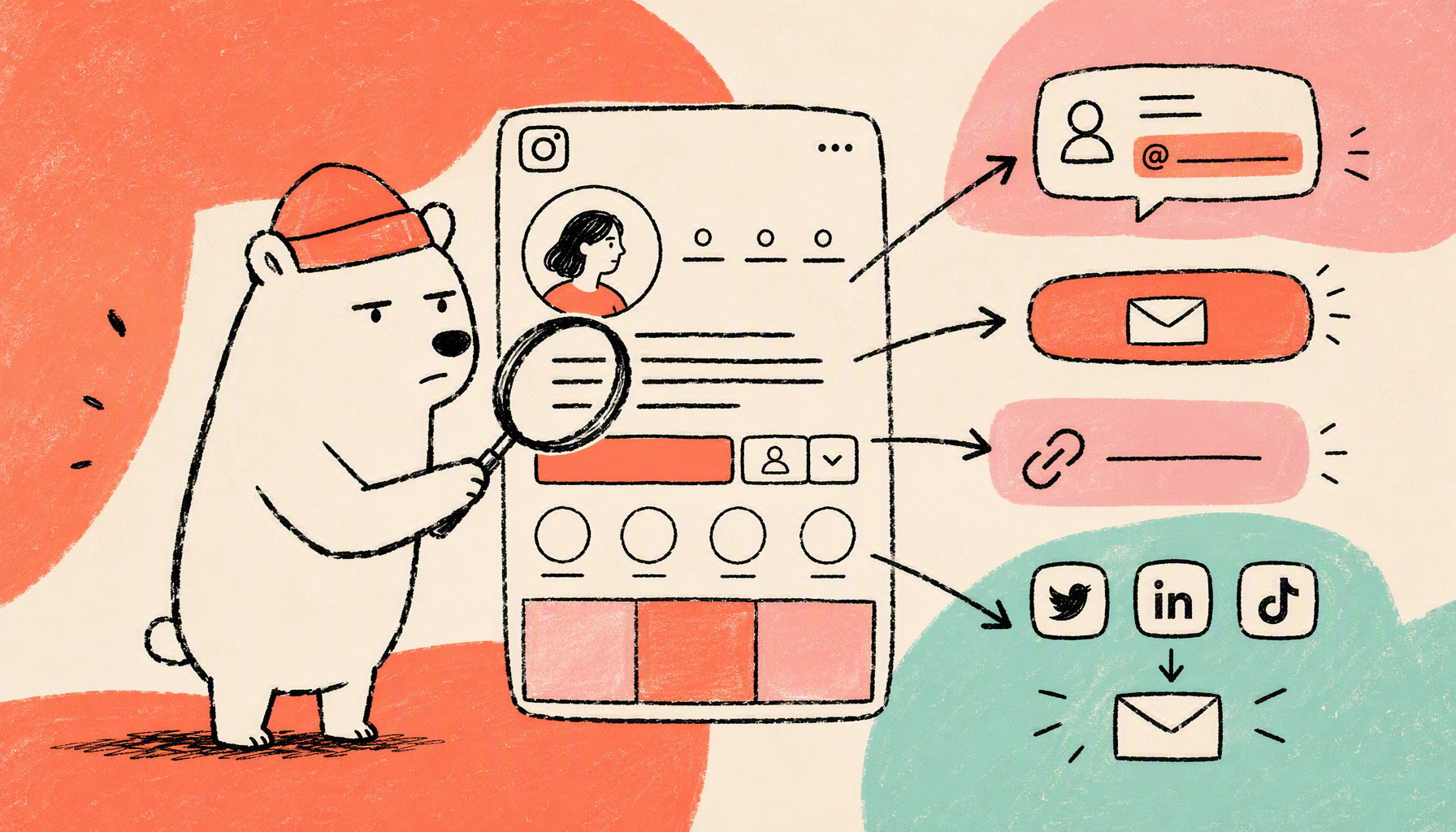
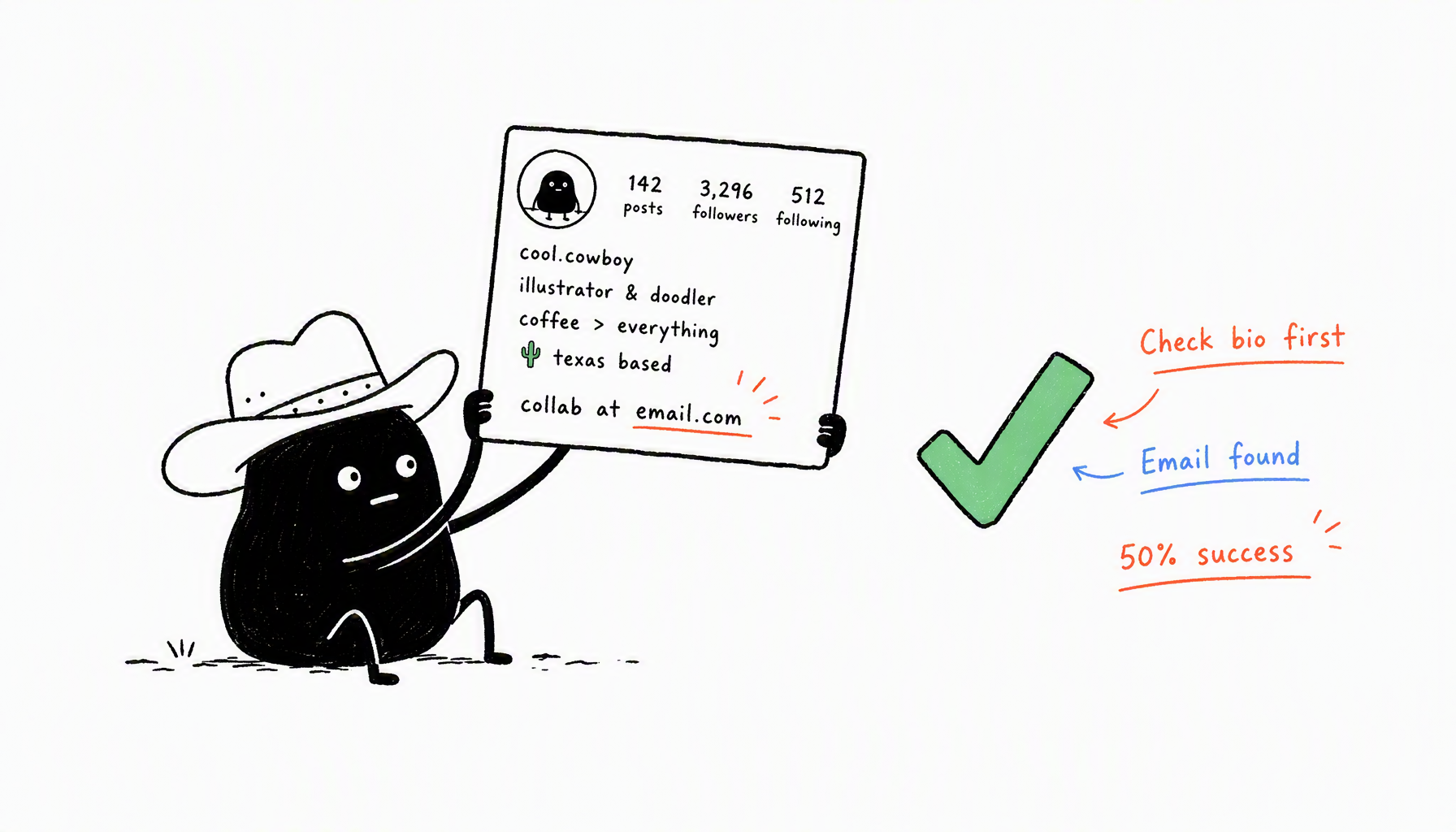
Check the Instagram bio first—50% of creators who want brand deals put their email there. If it's hidden, try the Contact button (Business accounts only), their link-in-bio page (Linktree, Beacons), or use a free email finder tool.
Instagram hides contact info by default, but most creators who want partnerships make their email discoverable. Here are 8 methods that find 90% of publicly listed emails in under 5 minutes.
Key Takeaways
• Check bio → Contact button → link-in-bio page (covers 70% of findable emails)
• Use CreatiVault Instagram Email Finder for batch searches (free, unlimited)
• Cross-platform search (LinkedIn/YouTube) works when Instagram info is hidden
Method 1: Check Instagram Bio Directly
The fastest method. Open the creator's profile and read the bio section. Many write it as "📧 collab@email.com" or "Business: name@company.com."
Works for: ~50% of creators who accept brand deals.
Method 2: Use Instagram Contact Button
Business and Creator accounts show a Contact button below the bio. Tap it, then select Email.
Note: Only works if the account is set to Business/Creator mode AND they've added an email. Learn more about Instagram Contact options.
Method 3: Check Link-in-Bio Pages
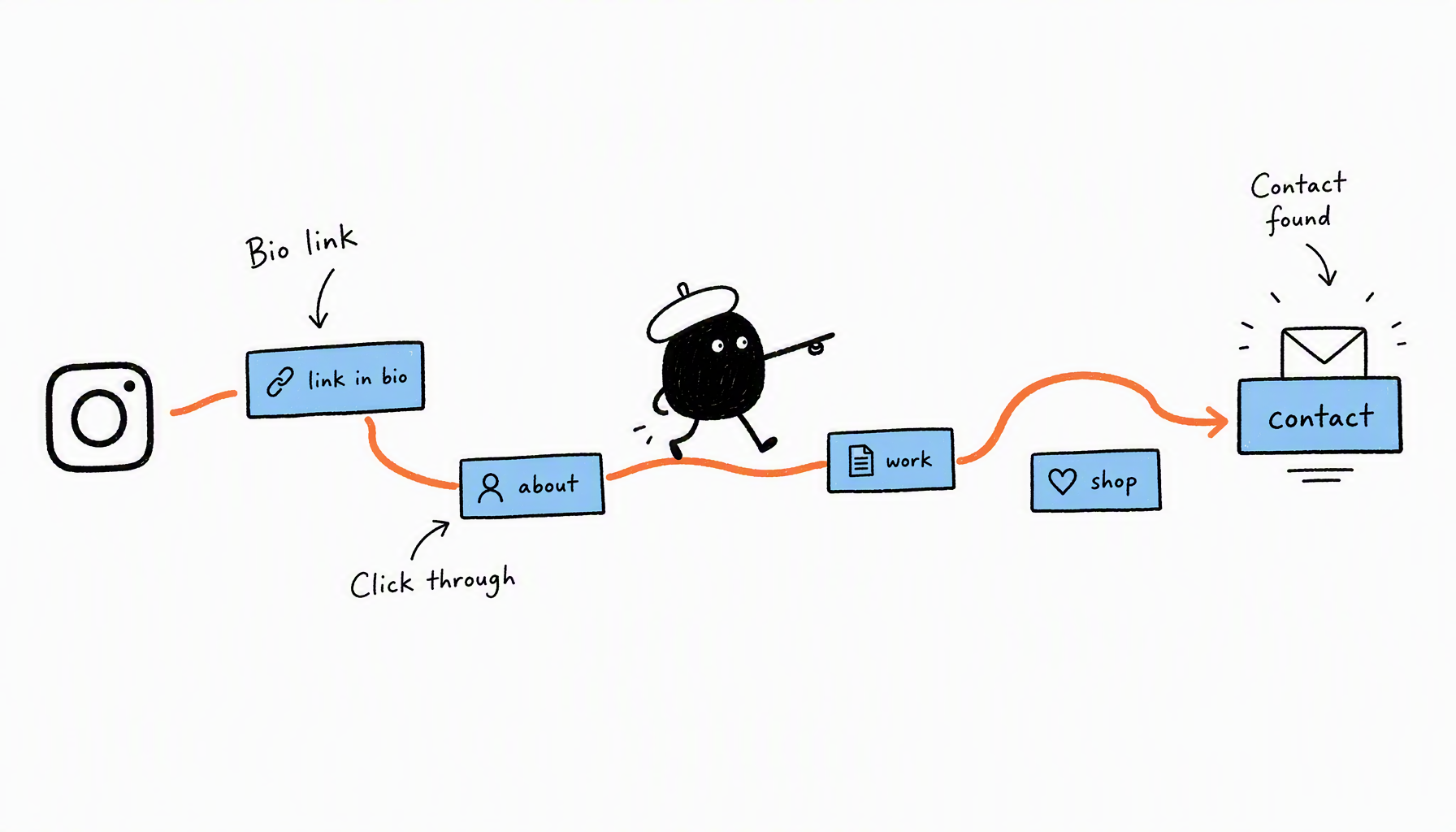
If their bio has a Linktree, Beacons, or Koji link, click it. Most link-in-bio pages have an About or Contact section with email addresses.
Tip: Scroll to the bottom of their link-in-bio page—contact info is usually there.
Method 4: Use CreatiVault Instagram Email Finder
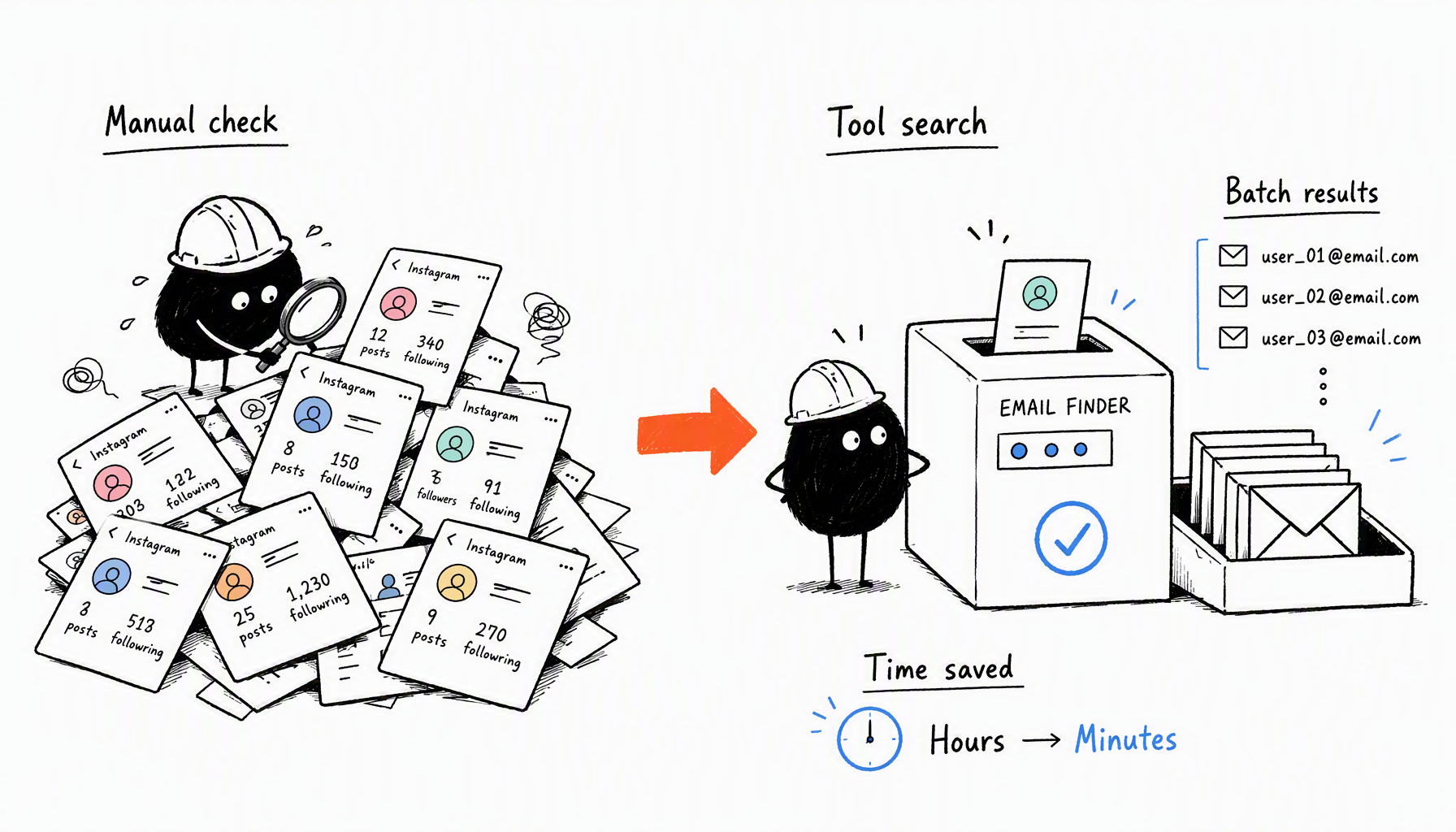
The fastest way for batch searches. Paste Instagram usernames, get emails instantly. Free and unlimited.
Why it works: Aggregates publicly visible emails from bios, About pages, and cross-platform profiles.
**Start finding emails free →**
Method 5: Cross-Platform Search (LinkedIn/YouTube)
Search the creator's name on LinkedIn or Google. Many use the same email across platforms.
Example: A beauty creator's Instagram bio is empty, but her YouTube About page lists partnerships@beautybysarah.com.
Method 6: Check YouTube About Page
If they link a YouTube channel in their Instagram bio, check the YouTube About tab. Creators often list business emails there even when Instagram is clean.
Method 7: Use Chrome Extension
Browser extensions like CreatiVault's Instagram Email Finder let you see emails while browsing Instagram. No copy-pasting usernames.
Best for: Agencies screening dozens of creators daily.
Method 8: Email Pattern Guessing + Verification
If you know their real name and company (from their website or LinkedIn), try common patterns:
- firstname@company.com
- first.last@company.com
- hello@company.com
Must verify before sending: Use an email verification tool to confirm it's active. Sending to invalid addresses hurts your sender reputation.
Need more automated options? Compare Instagram email finder tools to find the right fit for your workflow.
Real scenario: When Marcus's DTC brand needed 20 skincare micro-influencers, he tried DMing on Instagram first. Response rate: 12%. He switched to finding emails via bios and link-in-bio pages, then sent personalized outreach. Response rate jumped to 43%. The lesson: email gets read; DMs get buried.
What If You Can't Find the Email?
Try these fallbacks:
- Instagram DM: Less effective (low open rates), but better than nothing.
- Contact their agency: Check if they're represented (often in their bio).
- Twitter/X DM: Some creators respond faster there.
Conclusion
90% of publicly listed emails can be found through the first 4 methods (bio, Contact button, link-in-bio, email finder tool). For one-off searches, manual checking works. For batch outreach, use a tool.
The bottleneck isn't finding the email—it's writing an offer the creator actually wants to read.
Next steps:
- Check Instagram bio and Contact button
- If hidden, try link-in-bio pages
- For batch searches, use CreatiVault's free email finder
- Verify emails before outreach to protect sender reputation
Want to manage the full creator outreach pipeline from email discovery to deal tracking? Start free with CreatiVault—14-day trial, no credit card required.
 Sophie Klein